Smart Lighting app features should cover fast device pairing, remote control, color and brightness adjustment, scene creation, automation, multi-device synchronization, voice-platform access, firmware updates, and account security. Together, these functions turn separate lighting products into a practical, scalable ecosystem instead of a collection of isolated devices.
Connection quality is the foundation of the user experience. An attractive interface cannot compensate for repeated pairing failures, slow command responses, or devices that frequently appear offline. The application should provide clear onboarding instructions, automatic device discovery, connection-status feedback, and useful troubleshooting prompts.
The basic lighting control system functions should include:
On/off and dimming control
Color temperature adjustment
RGB or RGBIC color selection
Room and device grouping
Timers, schedules, and countdowns
Remote control outside the local network
Device sharing for family members or authorized users
Manufacturers must evaluate these functions together with the controller, communication module, firmware, and cloud platform. App performance depends on the complete hardware-software chain rather than the mobile interface alone.
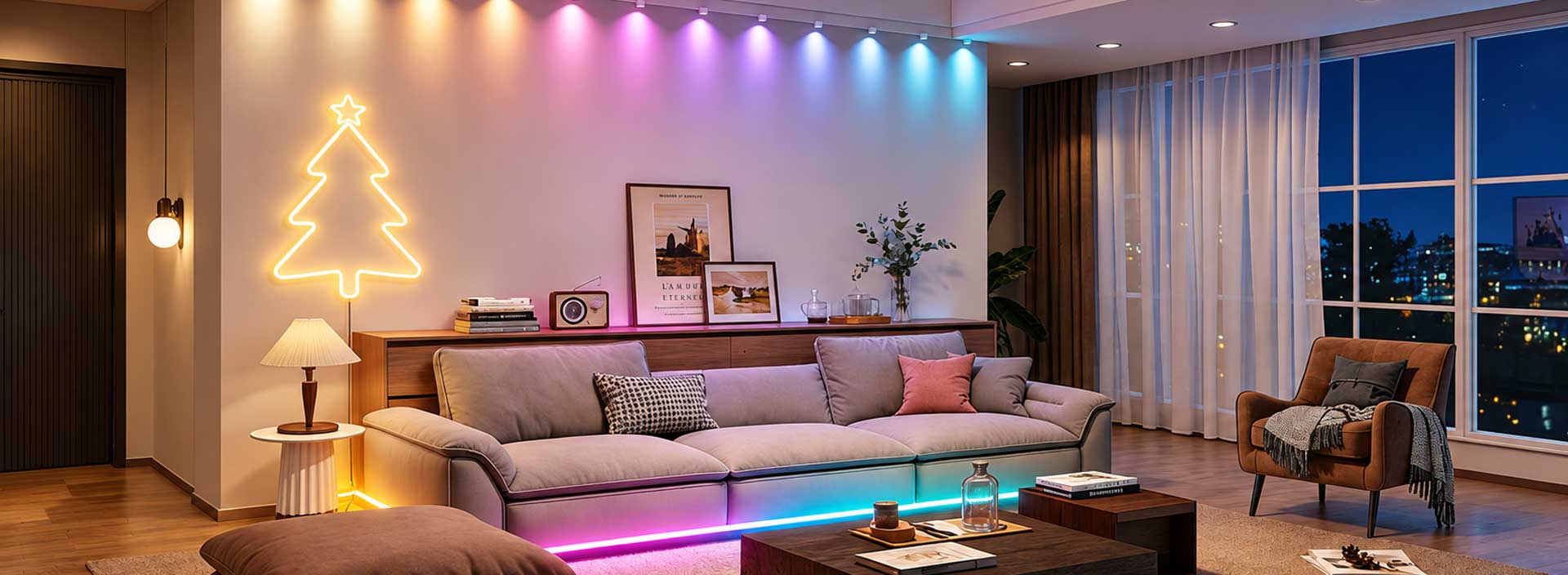
The essential smart lighting app features go beyond basic switching. Users increasingly expect lighting to respond to activities such as gaming, watching movies, working, relaxing, celebrating holidays, or listening to music.
| Function | User Value | Product Development Consideration |
|---|---|---|
| Scene library | Provides ready-made effects | Scenes should match product capabilities |
| Music synchronization | Links light with sound | Requires stable response and low delay |
| Multi-device sync | Creates coordinated lighting | Timing consistency must be tested |
| Automation | Reduces repeated manual control | Triggers and conditions need clear logic |
| Custom scenes | Supports personal preferences | Controls should remain easy to understand |
| Voice control | Enables hands-free operation | Platform and regional support must be verified |
For RGBIC products, the app may also provide segmented color control, flowing effects, speed adjustment, direction selection, and effect combinations. These controls should be designed around the LED structure. Displaying functions that the connected hardware cannot perform only creates confusion.
Effective automation lets users define what happens, when it happens, and under which conditions. Common triggers include time, location, weather, device status, or a command from another connected product.
For example, outdoor lighting may switch on at sunset, office lights may follow working hours, and entertainment lighting may activate with a selected media scene. The best must have lighting control app functions make these routines easy to create without requiring technical knowledge.
Automation also needs exception handling. Users should be able to pause a schedule, override a scene manually, or identify why a command was not executed.
Good IoT lighting app design supports product expansion. A company may begin with LED strips and later introduce bulbs, light bars, decorative lights, outdoor products, flexible displays, or Electrical Accessories. The application architecture should accommodate new categories without forcing users to learn a different control process each time.
From a manufacturing perspective, this requires early coordination between product planning, electronics, firmware, app development, testing, and mass production. Device naming rules, interface layouts, control commands, and firmware versions must remain consistent across the range.
A white-label application can also incorporate a customized logo, interface colors, product pages, scene libraries, and support information. However, visual branding should not replace functional validation. Every supported model still needs pairing, control, synchronization, upgrade, and network-recovery testing.
Account protection, encrypted communication, permission management, and privacy compliance are important parts of a connected lighting product. The app should collect only necessary information and clearly explain how account and device data are used.
Over-the-air updates allow firmware improvements after products enter the market. A dependable update process should show progress, prevent interruption where possible, and provide a recovery method when an upgrade fails.
Device logs and diagnostic information can further support after-sales teams. When app, firmware, controller, and production records are managed as one system, technical issues can be identified faster and future product versions can be improved with greater accuracy.
The right app is therefore not simply a remote control. It is the operating center that connects lighting hardware, scenes, automation, services, and long-term product management.