
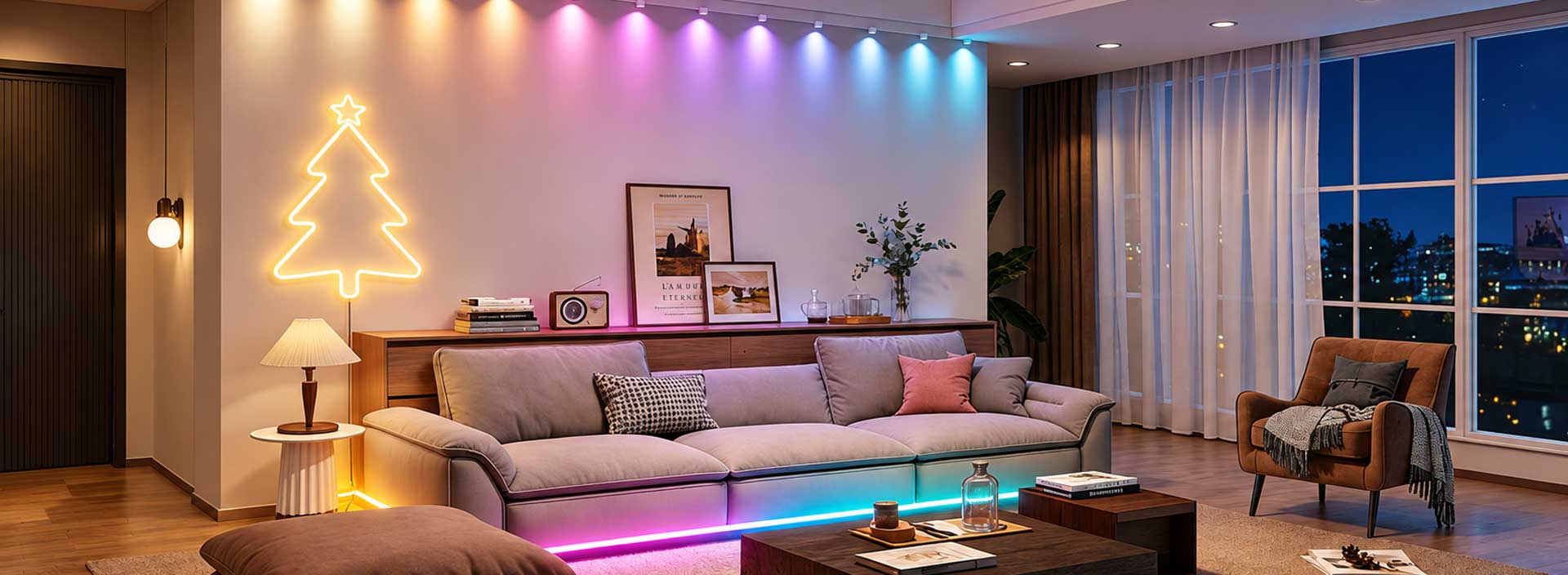
A lighting scene control system stores coordinated settings for one or more lights and activates them through a single command, schedule, sensor, or automation rule. Instead of adjusting every device separately, users can recall predefined combinations of brightness, color, color temperature, effects, and operating status for specific activities.
Each compatible lighting product has a device profile that defines its available functions. The control platform uses these profiles to record the required state of every light in a scene.
When the scene is activated, the system sends commands to the assigned devices. A home-theater scene may dim ceiling fixtures, turn on LED strips, and set entertainment lights to selected colors. An office presentation scene may reduce general illumination while maintaining light near entrances.
This explains what is lighting scene control system operation in practical terms: one trigger replaces several individual lighting adjustments.
A scene defines the desired lighting result. A schedule determines when an action occurs, while automation decides whether it should occur according to selected conditions.
These functions can also work together:
| Control Element | Main Purpose | Example |
|---|---|---|
| Scene | Stores several lighting states | Movie lighting |
| Schedule | Activates at a fixed time | Outdoor lights at 7:00 p.m. |
| Condition | Checks whether a rule applies | Low ambient light |
| Trigger | Starts the automation | Motion is detected |
| Delay | Changes action timing | Turn off after ten minutes |
| Manual override | Temporarily changes the result | Increase brightness for cleaning |
Clear separation makes Smart Lighting scene settings easier to configure and troubleshoot.
Available settings depend on the connected products. Common options include:
On/off status
Brightness level
Color temperature
RGB color
RGBIC segmented effects
Animation speed and direction
Group or room selection
Delayed actions
Music or entertainment mode
Products in one scene do not always support identical commands. A tunable-white fixture cannot reproduce an RGB effect, while a standard RGB strip cannot perform segmented animations. The platform must handle these differences without sending unsupported instructions.
A smart lighting scene automation setup begins by defining the intended activity and the event that should activate it. Triggers may include time, location, weather, motion, another device’s status, or a command from an application or voice platform.
Automation should remain understandable. Users need to identify which rule activated the lights and how to pause or override it. Conflicting schedules and overlapping conditions can produce unexpected behavior even when every device is functioning correctly.
An iot lighting automation system should therefore provide clear rule names, execution records, device status, and error feedback.
A scene can contain several lights distributed across rooms or zones. If devices respond at noticeably different times, the result may feel unstable, especially in gaming, home-theater, hospitality, and commercial ambience applications.
Timing depends on controller response, communication technology, firmware, network conditions, and platform routing. Testing one light cannot verify scene quality. Several production-equivalent devices should be activated repeatedly under normal and interrupted network conditions.
Power recovery also needs evaluation. The system should define what happens when one device returns online after the remaining scene has already been activated.
Scene validation should cover creation, editing, activation, cancellation, scheduling, automation, and manual override. Group size, product combinations, account permissions, network interruption, and firmware updates should also be included.
Factory processes need to confirm that each device has the correct controller, firmware, and profile. Incorrectly programmed units may connect successfully but fail to execute part of a scene.
Pilot production can reveal timing or configuration differences that engineering samples may not show. Hardware versions, firmware, application functions, and inspection records should remain traceable.
Scene control turns separate lighting products into coordinated environments. Its quality depends on clear automation logic, accurate device profiles, consistent command execution, and manufacturing control across every connected product.