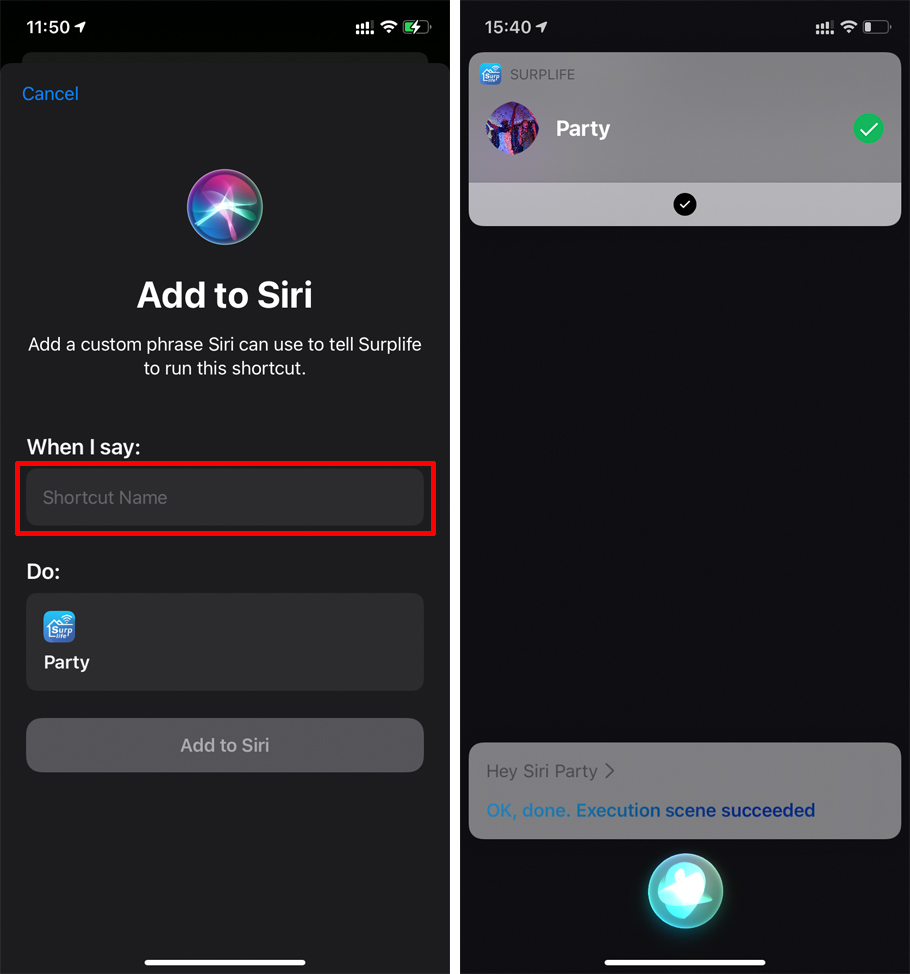
We can control the scene through Siri.
To be able to control your smart device via Siri, please make sure you are logged into your "Surplife" App account, connect at least one WiFi device, and make sure the device is online locally and remotely.
Follow the steps below to set it up:
1. Siri requires that the smart device must be cloud online to be controlled. We can check whether the smart device is cloud online.
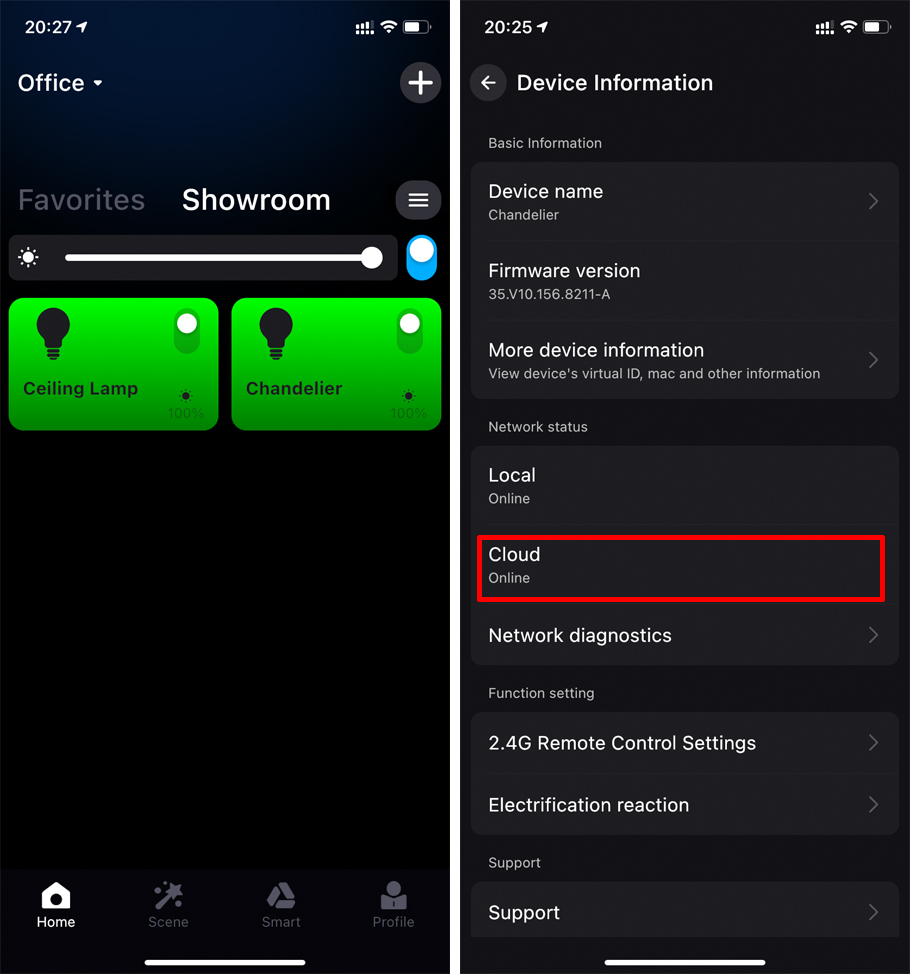
If the cloud offline, please refer to "Why is the remote network online, but the local network is offline?"
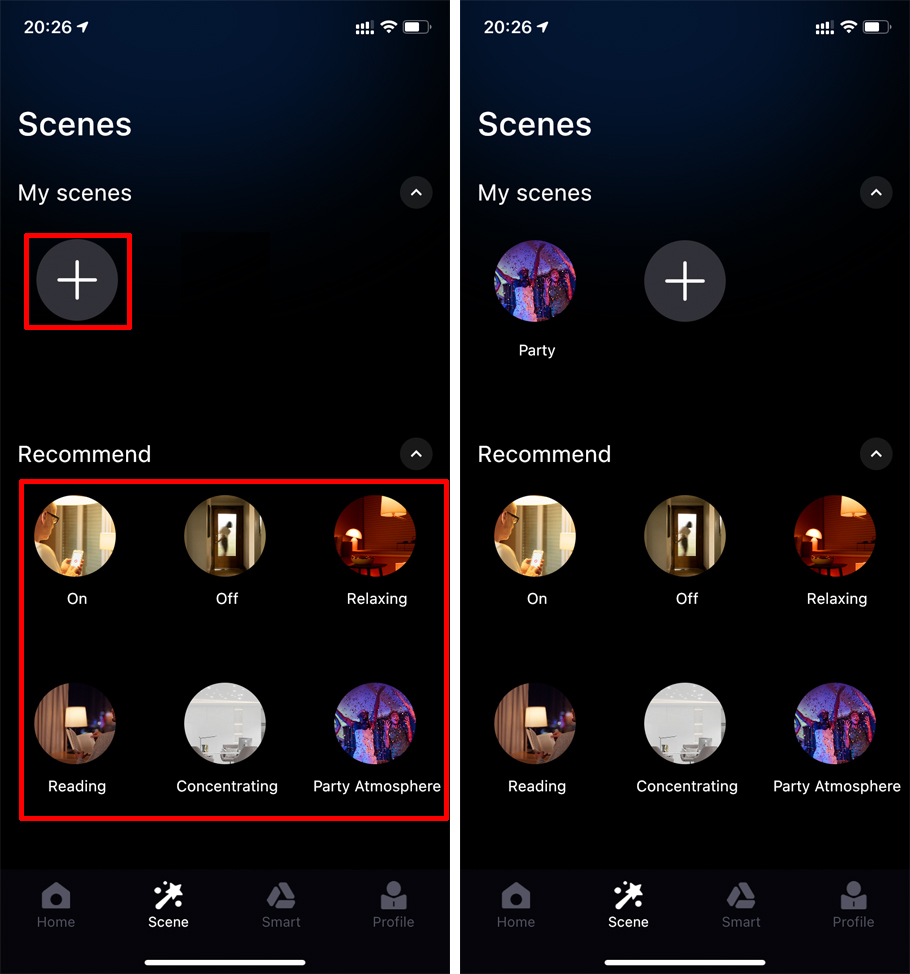
2. Enter the scene to set the scene for the device, you can create a custom scene and use the recommended scene of the app.
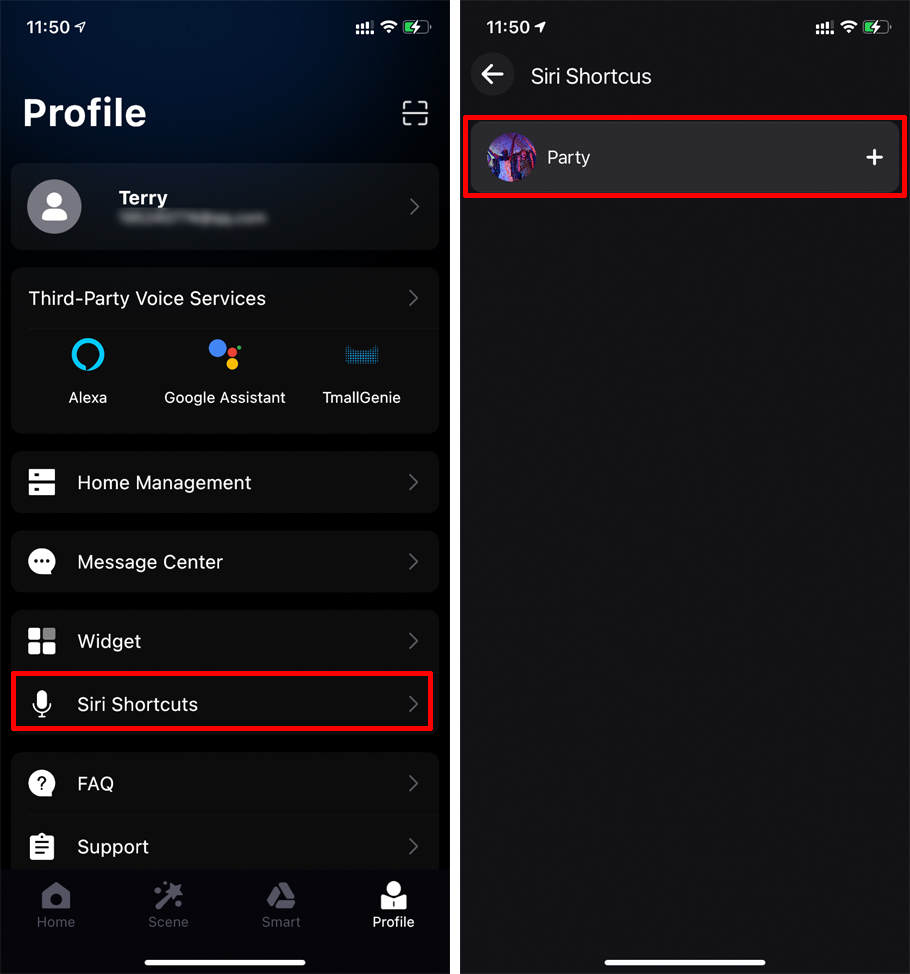
3. Enter "Siri Shortcut" to set, and add the scene you just set.
4. Set up simple Siri Shortcut.
Once set up, say the shortcut you just set up to Siri to activate the scene.