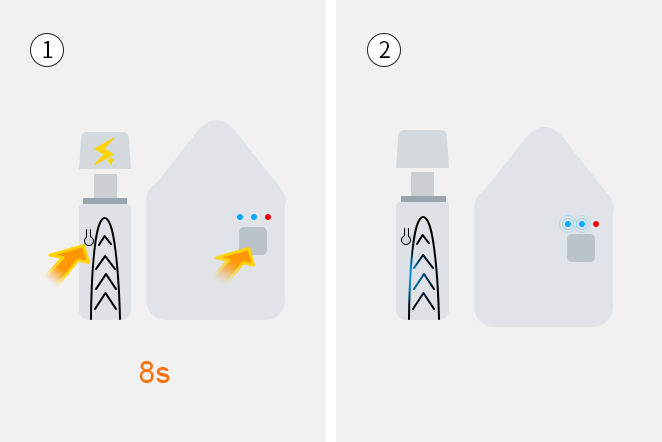
Smart bridge (plug type)
Long press (8 seconds) the button on the "Smart Bridge" device, and make sure that the two indicators of LAN and WAN become slow flashing at the same time
When the LAN indicator is flashing quickly, it means that the Smart Bridge is connecting to the router. After the connection is successful, the LAN indicator becomes steady;
When the WAN indicator is flashing quickly, it means that the Smart Bridge is connecting to the server. After the connection is successful, the WAN indicator becomes steady.
After the connection is successful, the power, LAN and WAN indicators are always on at the same time.
When the two indicators of LAN and WAN are breathing, it means adding sub-device.
Smart Bridge (USB Type)
Long press (8 seconds) the button on the "Smart Bridge" device, and make sure that the WAN indicator turns into a slow flashing state
When the WAN indicator is flashing quickly, it means that the Smart Bridge is connecting to the server. After the connection is successful, the WAN indicator becomes steady.
When the WAN indicator is breathing, it means adding sub-device.