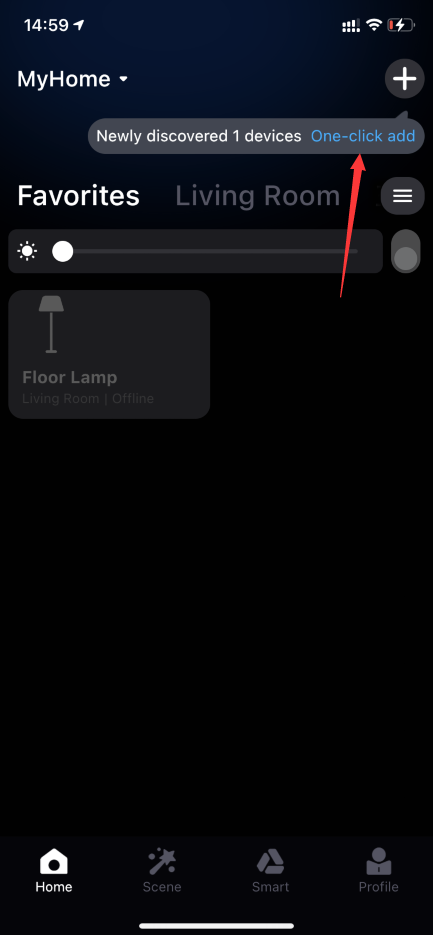
The One-Click Add button is displayed only if the following conditions are met:
1. The mobile phone has successfully added Surplife smart device.
2. The Wi-Fi currently connected to the mobile phone has the same name as the previously added Wi-Fi.
3. The App has authorized the location permission to obtain the current Wi-Fi information.
4. Nearby Surplife smart devices are in factory state mode.