Please follow the steps below:
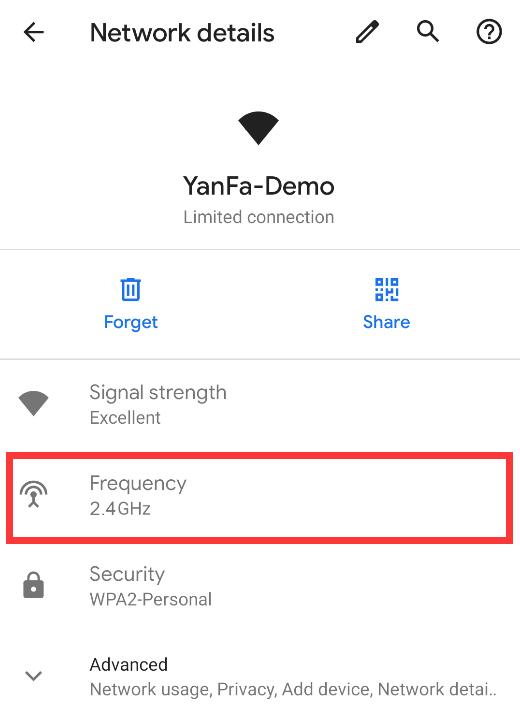
1. Check fom Android phone(some phones may be different):
Enter mobile phone to connect to Wi-Fi, after the connect successful, click to view the details, you can see the Wi-Fi signal frequency:
2. Check from Window,follow these steps:
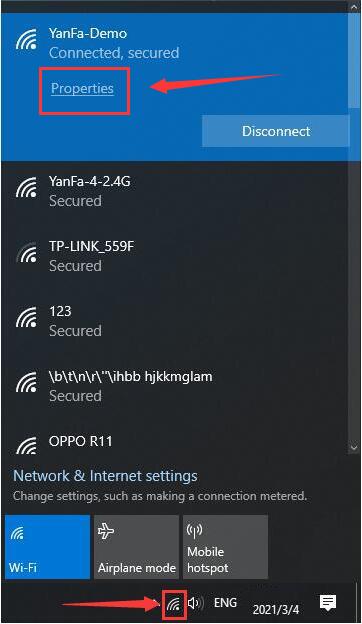
a. Click the network logo in the lower right corner of the system desktop, in the pop-up box, click [Properties].
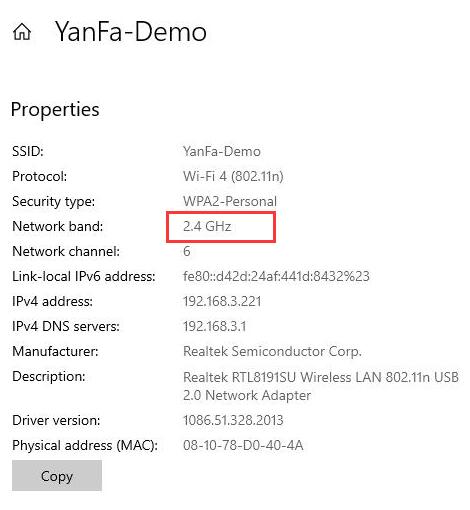
b. In the window that opens, look at the "Properties" item. You can see that [Network Band] is 2.4G, which means that the wireless router network I use is 2.4G band, as shown below:
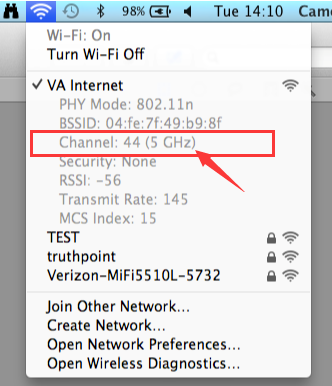
3. Check from Mac:
Click on the wireless networking icon at the top of the screen while holding down the Option key.