

If the smart device supports the 【Network diagnostics】 function, please click 【Network diagnostics】to diagnose to check whether the current Wi-Fi network is unblocked;
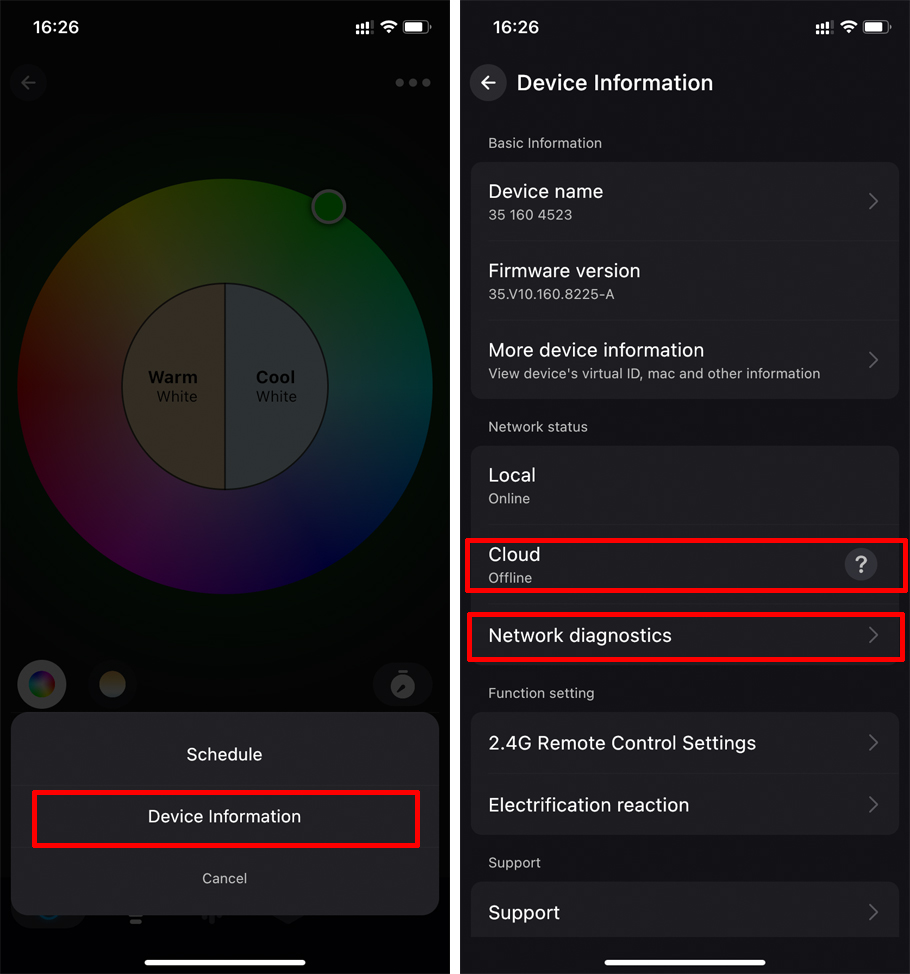
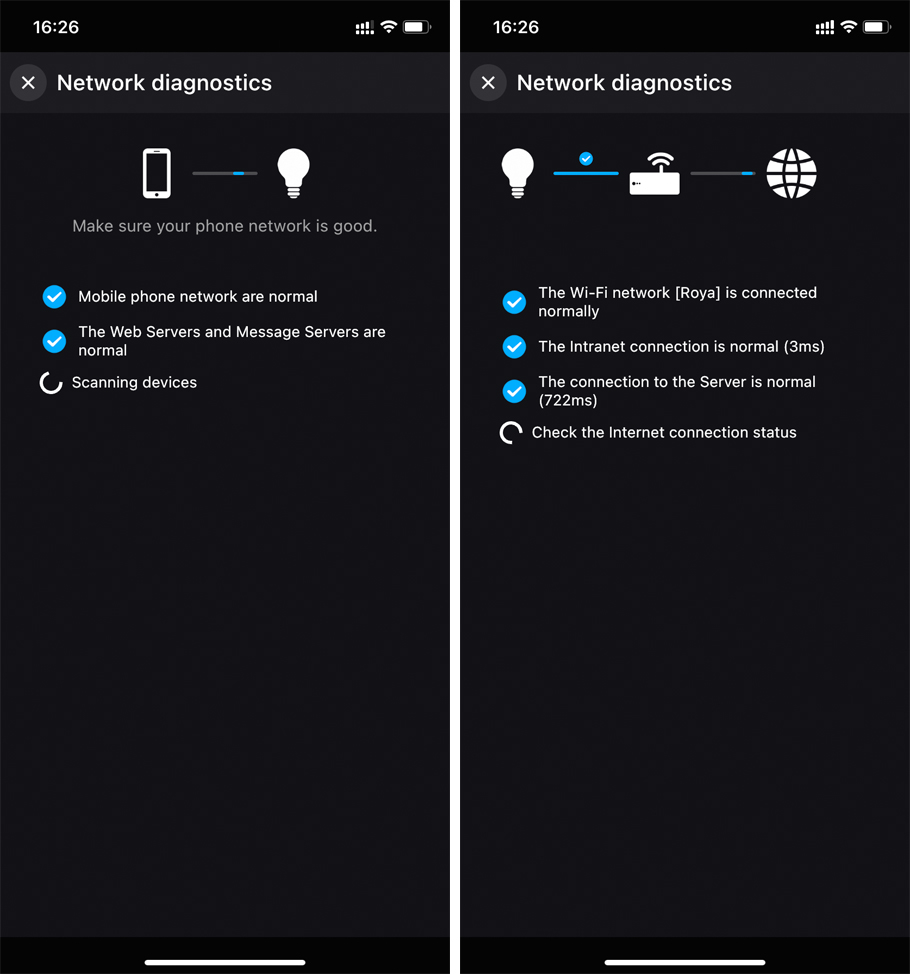
If the smart device does not support the【Network diagnostics】function, please try the following methods:
1. Please check whether the distance between the router and the smart device is too far, and whether there is any obstacle in the middle;
2. Try restarting Surplife App, wait 1 to 2 minutes, and then check whether the problem is fixed;
3. Try restarting the smart device (power off the lamp, then power it on again), then enter the main screen of the app and pull down to refresh the list to check whether the problem is fixed;
4. Try restarting the router, wait 1 to 2 minutes, and check if the problem is fixed;
5. Try to reset the smart device to factory settings, re-add it to the App, and check if the problem is fixed;
If none of the above solve your problem, please click "Profile" and contact customer service through the "Support" function.
Previous: How to perform device network diagnosis?
