

Please follow the steps below to reset Smart Lighting:
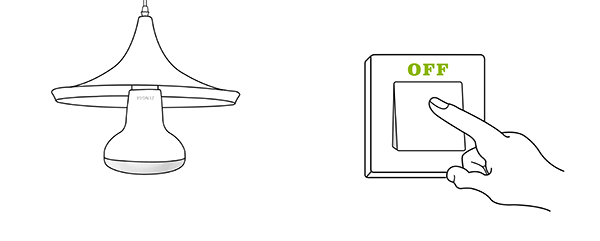
1. Before resetting, please power off the device.
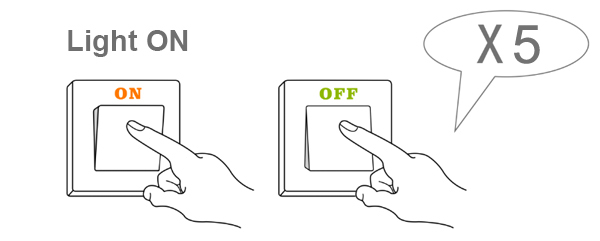
2. Start resetting: Turn on the light , then turn off the light, keep the light off for 5 seconds (repeat this operation 5 times);
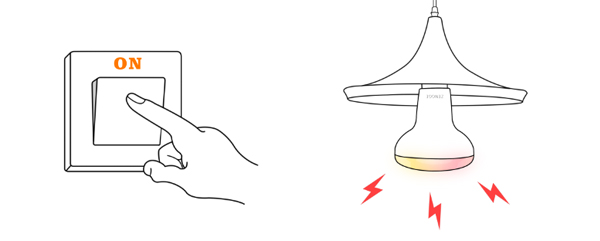
3. Reset successful: The light will flash for a few seconds and then stay on.
The device is displayed on the Add Device page.
(If not, please try to restart the phone Wi-Fi and wait for the automatic refresh)
